Virtual accounts: a local account number for every customer, in 11 currencies
 Osas Omoregie·November 2, 2026·3 min read
A customer in Chicago sends you a wire. So does one in Manchester, and another in São Paulo. The money arrives. Then someone on your team opens three bank statements and tries to work out who paid for what.
Virtual accounts remove that step. Starting today, you can give each of your customers a local account number of their own, in their own currency. They pay by bank transfer the way they already do, and we match every payment to the customer it came from.
What you get
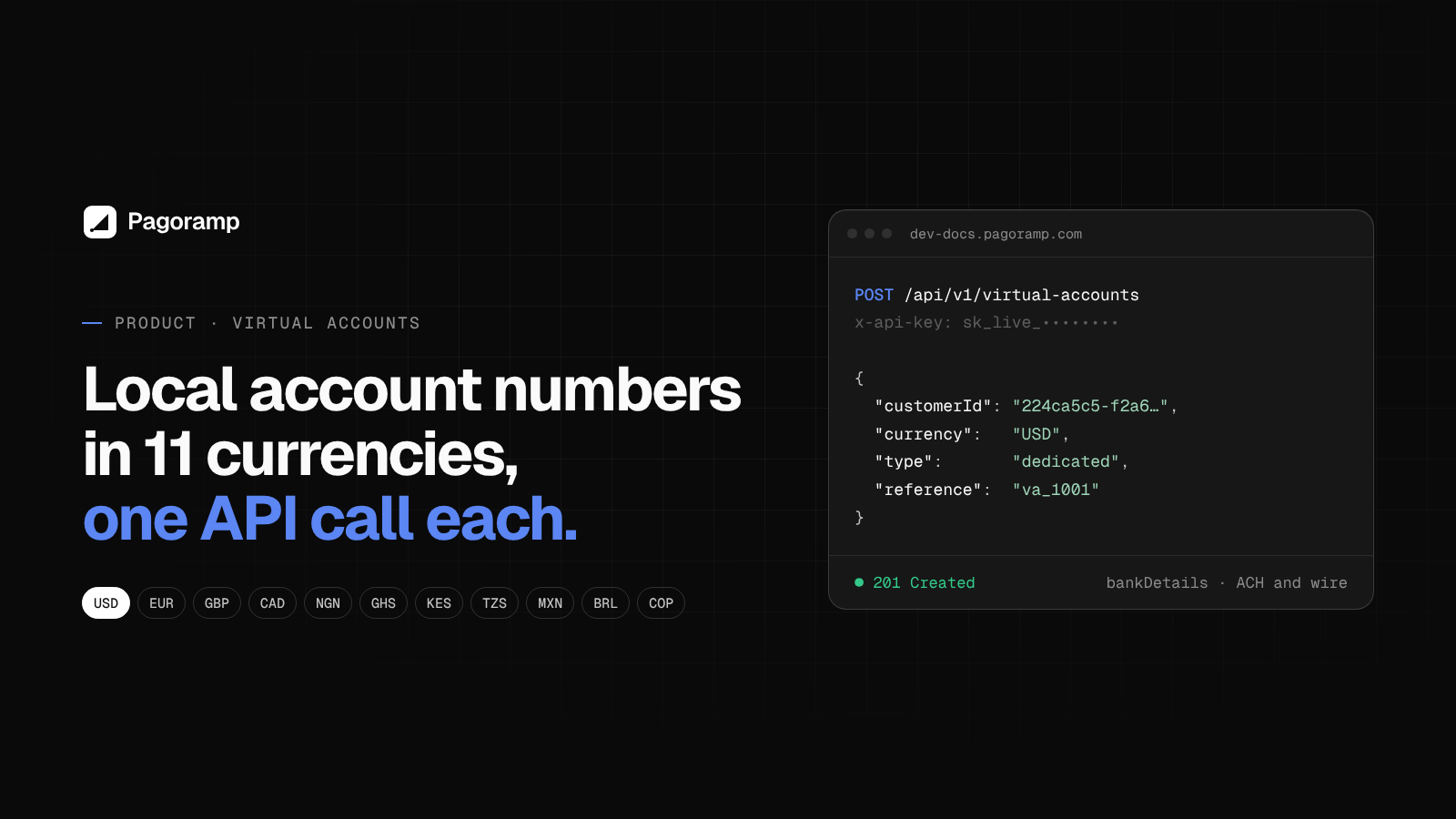
A virtual account is a real local account number that belongs to one customer on your Pagoramp account. You can issue them in 11 currencies, each on the rail customers in that market already use:
| Currency | Rail |
|---|---|
| USD | ACH and wire |
| EUR | SEPA |
| GBP | Faster Payments |
| CAD | Interac e-Transfer |
| NGN, GHS, KES | Local bank transfer |
| TZS | TIPS, TISS and mobile money |
| MXN | SPEI |
| BRL | Pix |
| COP | Bre-B |
More currencies are on the way.
Dedicated or one-time
There are two kinds of account, and most merchants use both.
Dedicated accounts are permanent. A customer keeps the same number and can pay any amount, any number of times. They suit subscriptions, wallets, marketplaces and anyone who tops up regularly.
One-time accounts are issued for a single payment. You set the expected amount and an expiry. If the customer sends a different amount, the payment is flagged for review rather than credited automatically. They suit invoices and checkouts where the number should only work once.
How it works
- Create a customer with a name and email.
- Issue an account: pick a currency and a type. You get back the account details, or a verification link when that currency needs an identity check first.
- Your customer makes a bank transfer to their account number.
- We confirm the payment with the provider, send you a signed webhook, and settle the funds to your balance.
That fourth step matters. We never credit a balance from a webhook alone; every payment is checked with the provider before it counts.
For developers
Creating an account is a single request:
POST /api/v1/virtual-accounts
{
  "customerId": "224ca5c5-f2a6-419b-bf36-73997434d945",
  "currency": "USD",
  "type": "dedicated",
  "reference": "va_1001"
}
Authenticate with your API key in the x-api-key header. Build against staging first (pay-api-staging.pagoramp.com), then switch the base URL to production when you’re ready. Webhooks tell you when an account is created, when a payment is received, and when a payment needs manual review.
The full reference, including authentication and webhook verification, is at dev-docs.pagoramp.com.
Where the money goes
Payments into virtual accounts settle to your Pagoramp balance. From there you choose: settle in stablecoin, or pay out to your local bank account.
Good to know
- Some currencies require an identity check on the customer before an account is issued.
- GBP accounts are available for business customers only.
- MXN and BRL are switched on per merchant. Ask us if you need them.
- For USD, EUR and GBP, a payment from someone other than the account holder may be held for review, depending on your risk tier.
Get started
Virtual accounts are available on Pagoramp now. Create your account and issue your first one from the dashboard or the API, or read the docs first.